> For the complete documentation index, see [llms.txt](https://docs.eskool.fr/llms.txt). Markdown versions of documentation pages are available by appending `.md` to page URLs; this page is available as [Markdown](https://docs.eskool.fr/v1/eskool-cloud/services/sms/envoi-de-sms.md).
# Envoi de SMS
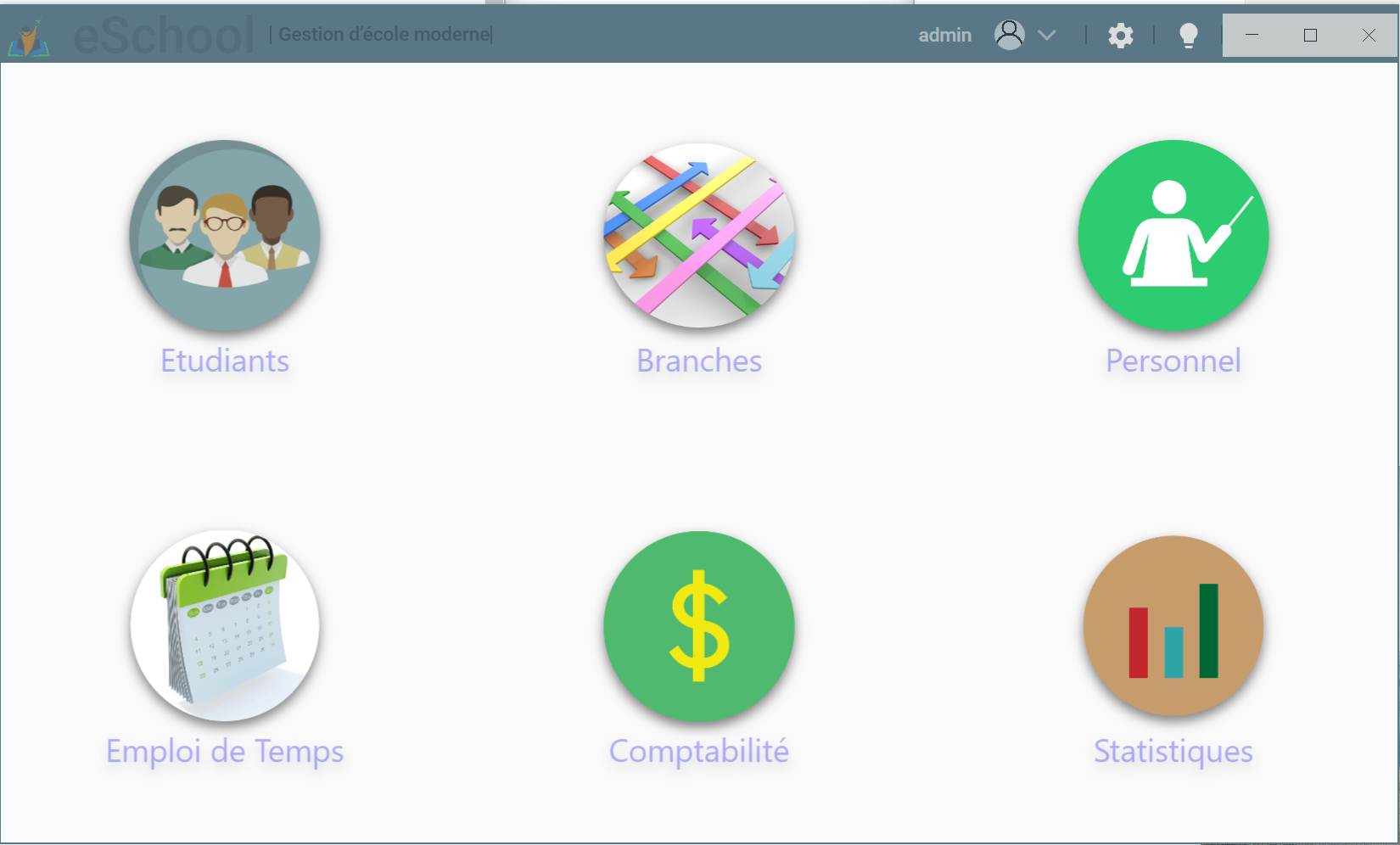
Une fois que vous aurez créé votre compte, acheter des forfaits SMS et connecté eSchool à votre compte, vous serez en mesure d'envoyer des SMS depuis eSkool.
> Vous pouvez envoyer un SMS à un étudiant ou à toute une classe.
## Envoi de SMS a un étudiant
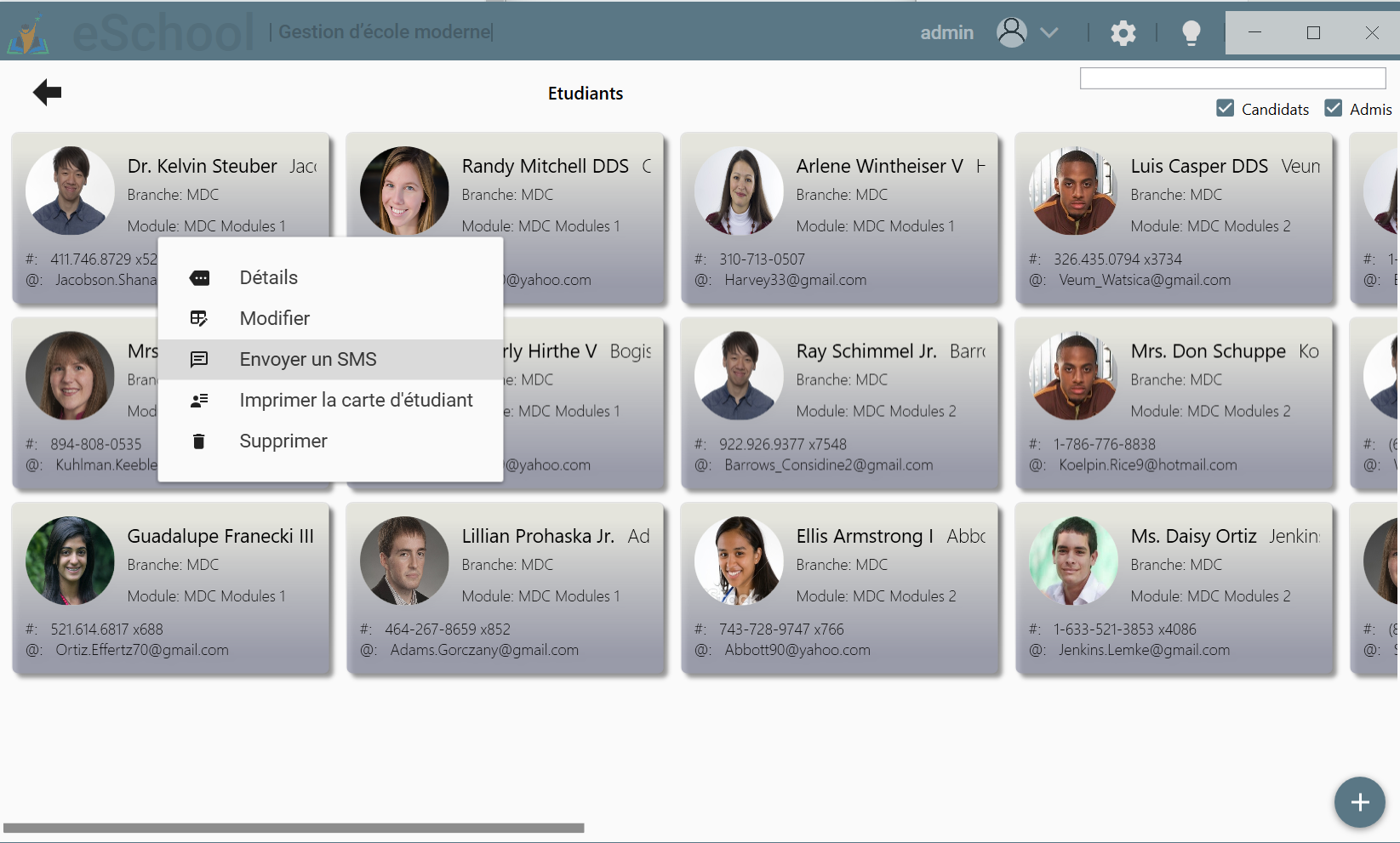
Pour envoyer un SMS aux étudiants, naviguez sur le volet étudiants et cliquez droit sur l'étudiant puis "Envoyer un SMS".
> Le message sms sera envoyé au numéro de téléphone de l'étudiant deja renseigner lors de l'inscription.
## Envoi de SMS à une classe
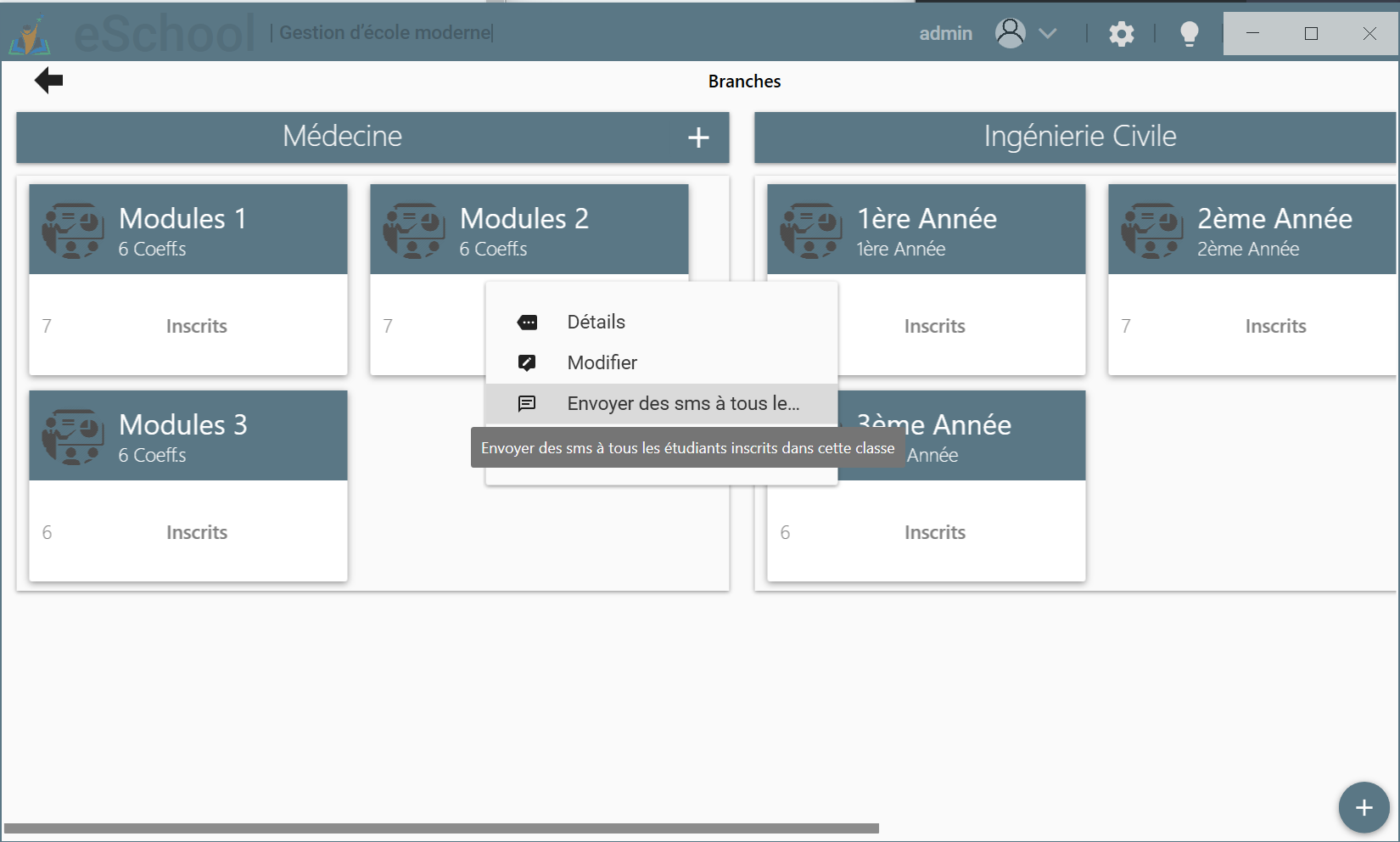
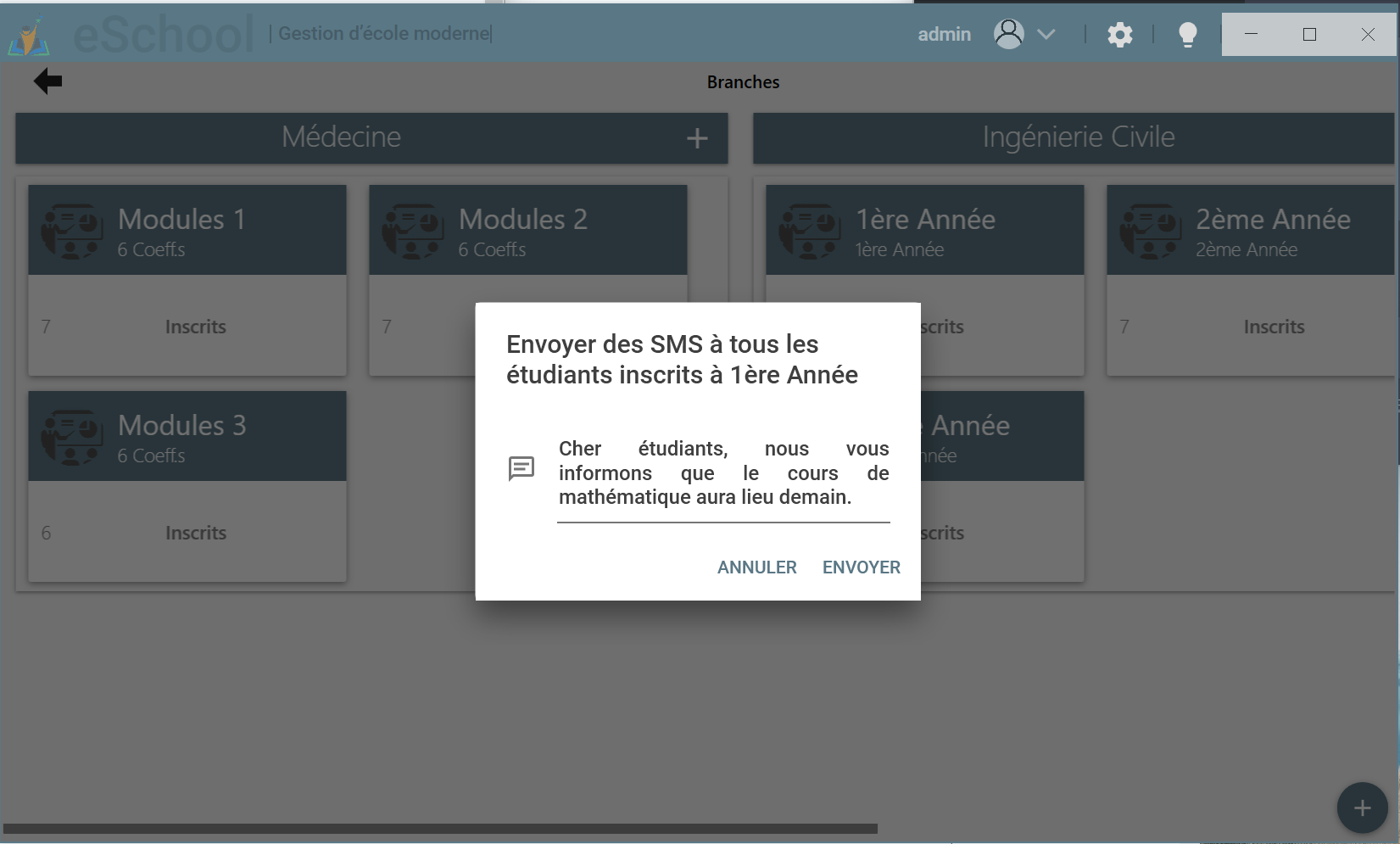
Pour envoyer un SMS aux étudiants inscrits a une classe, naviguez sur le volet Branches et cliquez droit sur la classe puis "Envoyer des SMS".
> Le message sms sera envoyé aux numéros de tous les étudiants inscrits dans la classe.